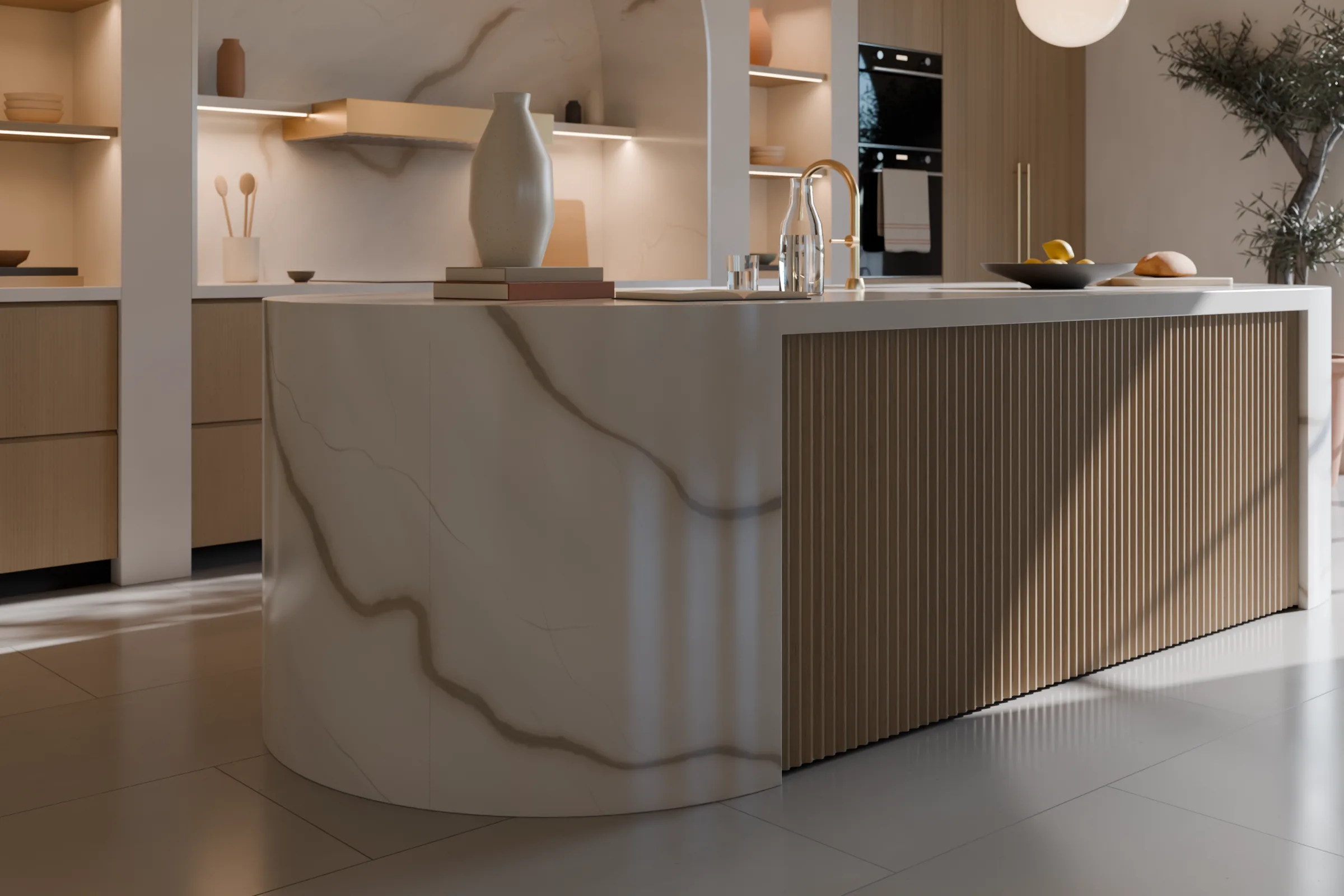
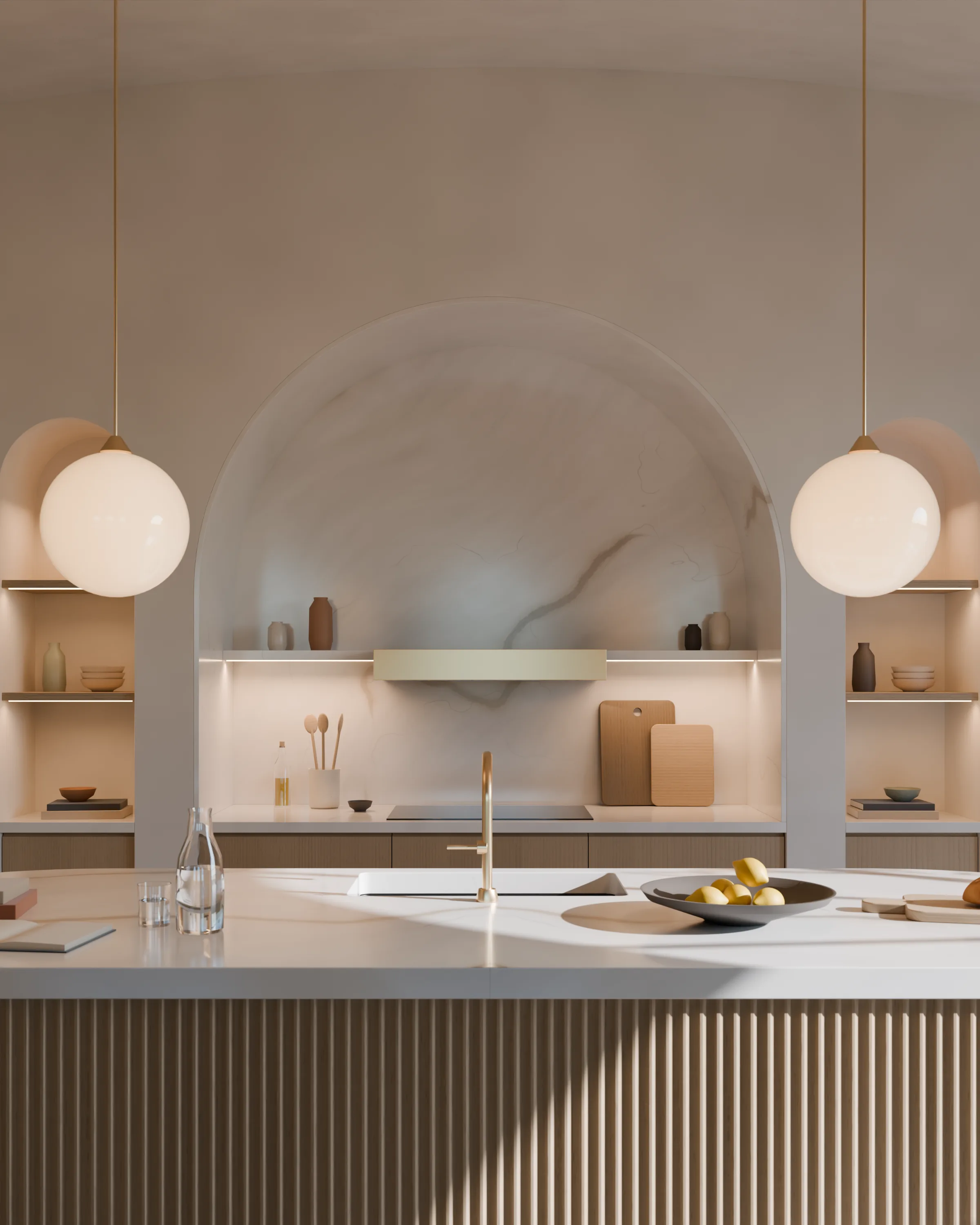
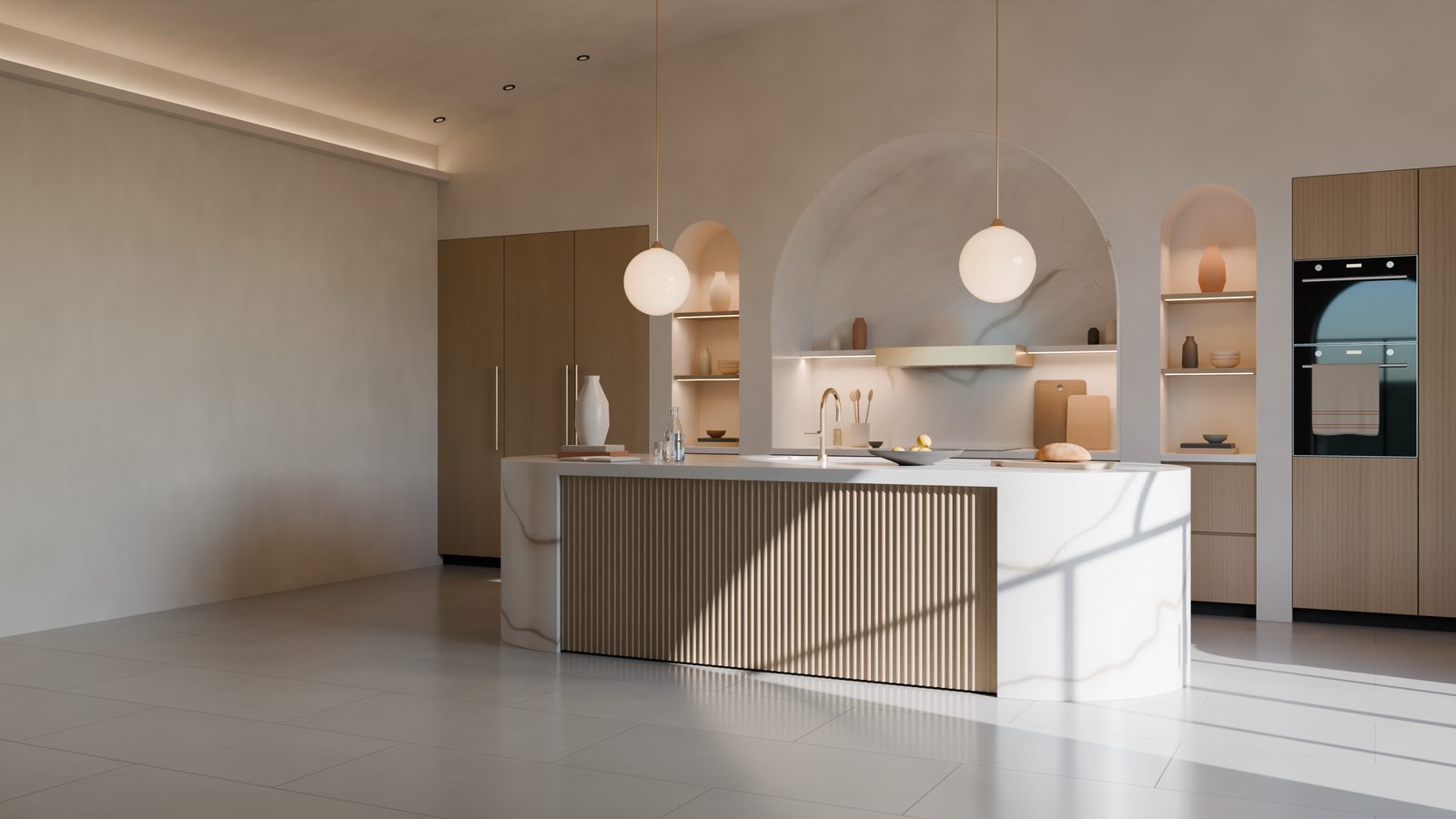
Presentation render of a kitchen: an island with round marble ends and a fluted oak side, a marble-lined cooking arch, tall oak units and sunlight on the floor.Presentation render of a kitchen project

Tezga, extension for SketchUp 2026

From SketchUp
to the workshop.

  1. Design
  2. Prepare
  3. Assemble

Tezga turns your model into the cutting list, CNC programs, barcode labels and the assembly manual.

Real views from Tezga, with the demo kitchen

One project, up close.

A 3.4 m island with round ends, marble-lined arches, milled oak and brass.

The kitchen views are presentation renders: not photos and not Tezga output.

Render: the round marble end of the island, with grey veins, meeting the fluted oak side.Render
The island end: the marble runs down to the floor.
Render: the marble-lined cooking arch, a shelf with a brass hood, two glass globe pendants and the island top with lemons.Render
The cooking arch, lined in marble.
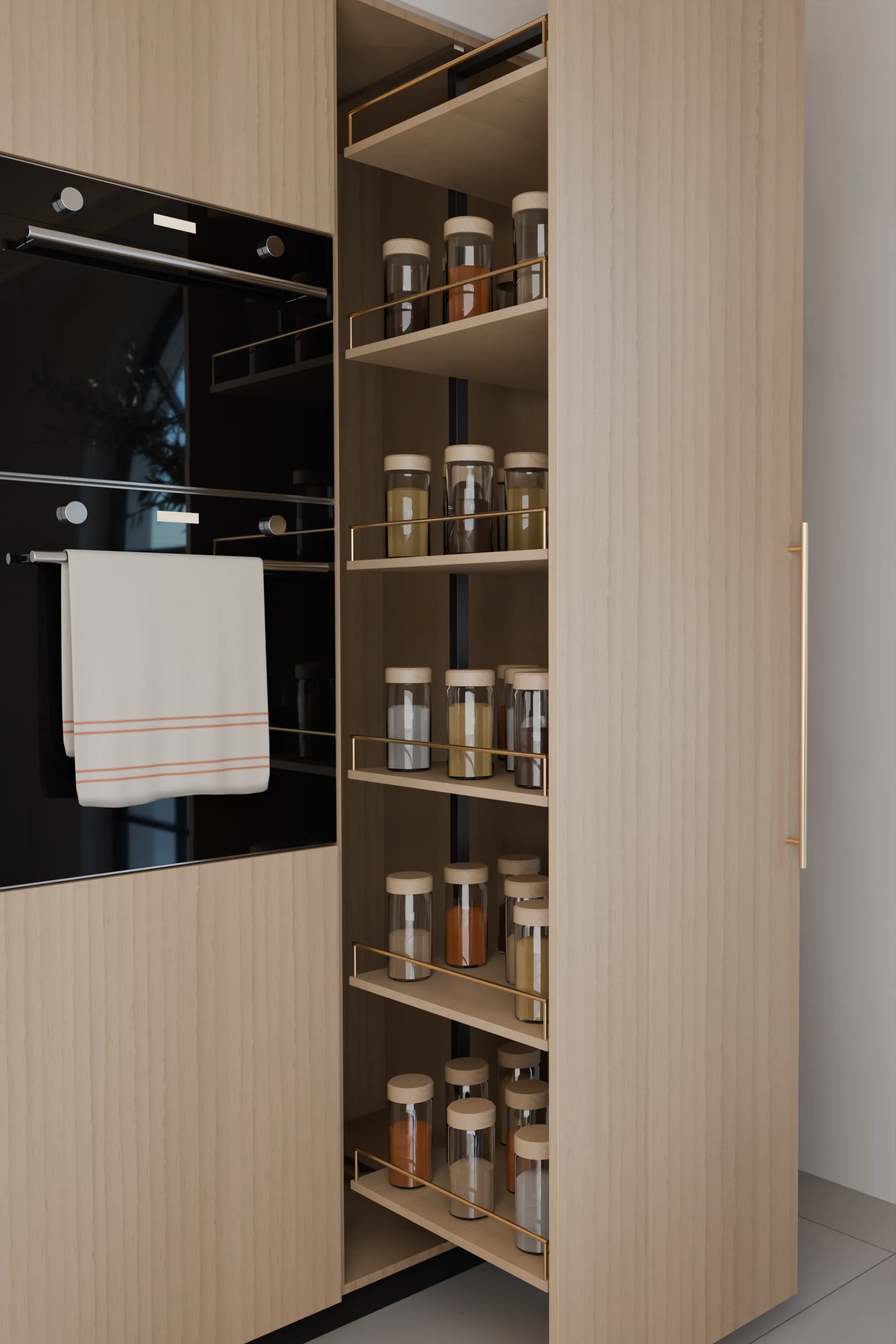
Render
The pull-out larder, full extension.

From drawer to parts.

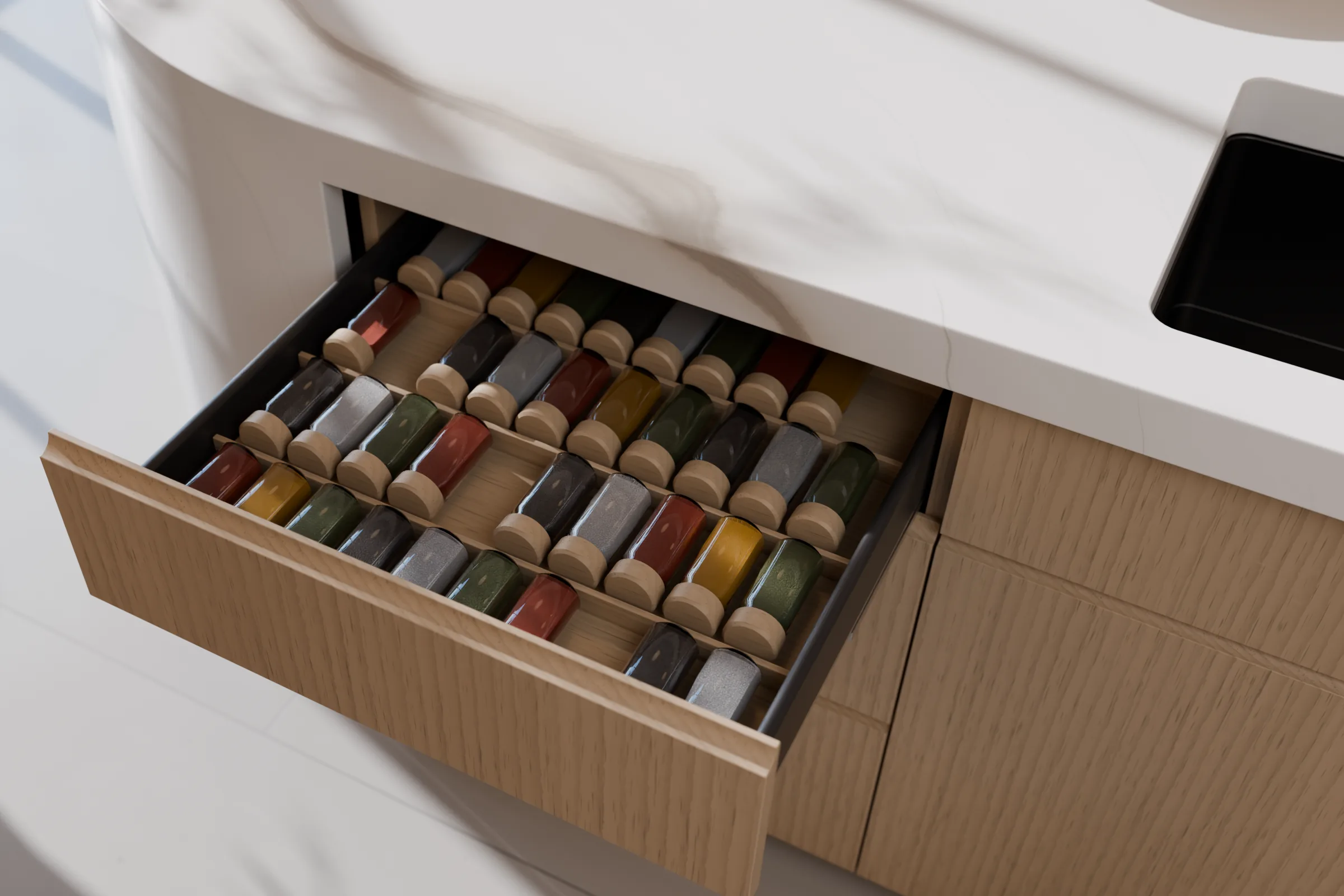
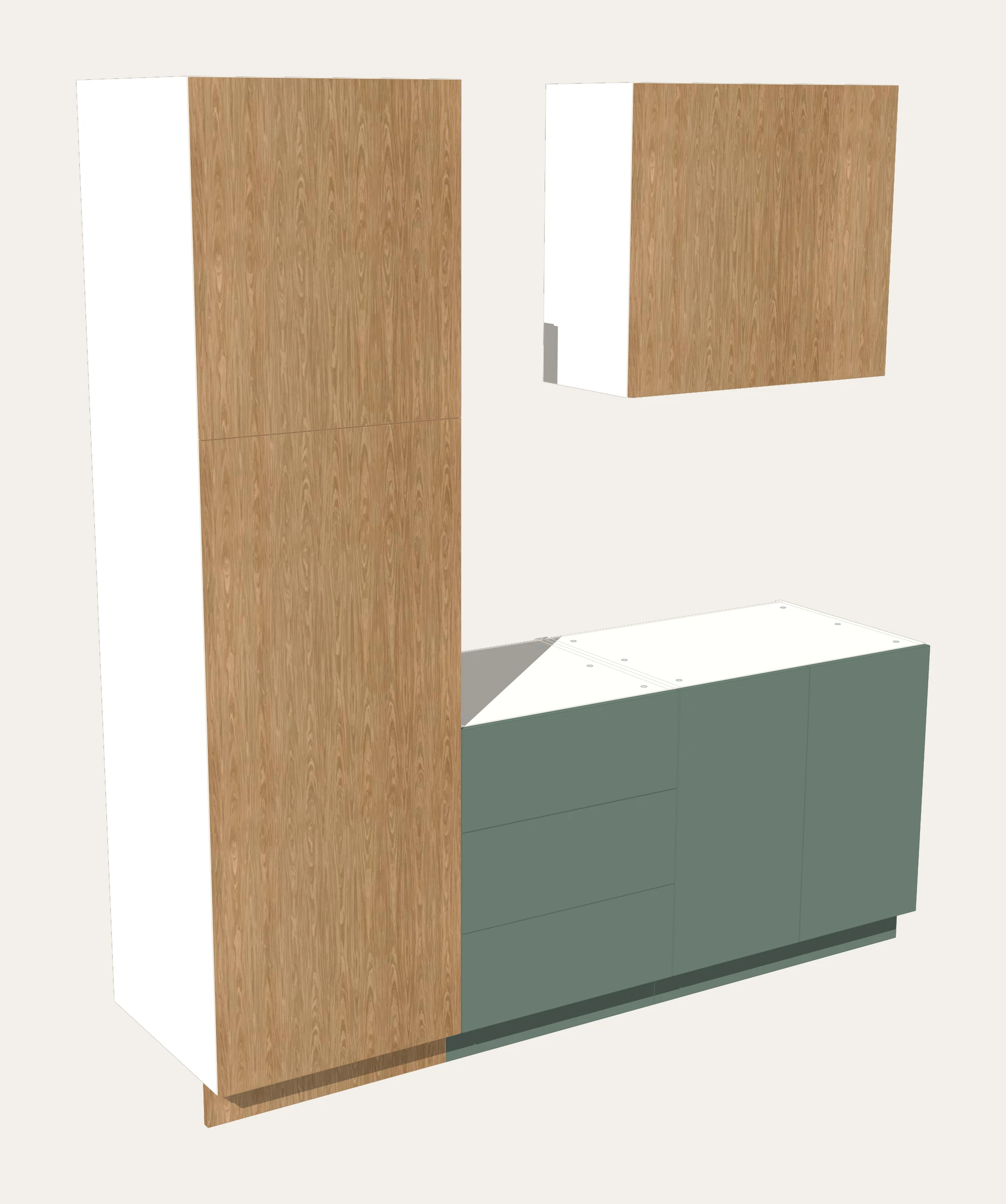
The kitchen is a concept. For the island’s drawers, the matching Tezga module is K2 of the demo kitchen.

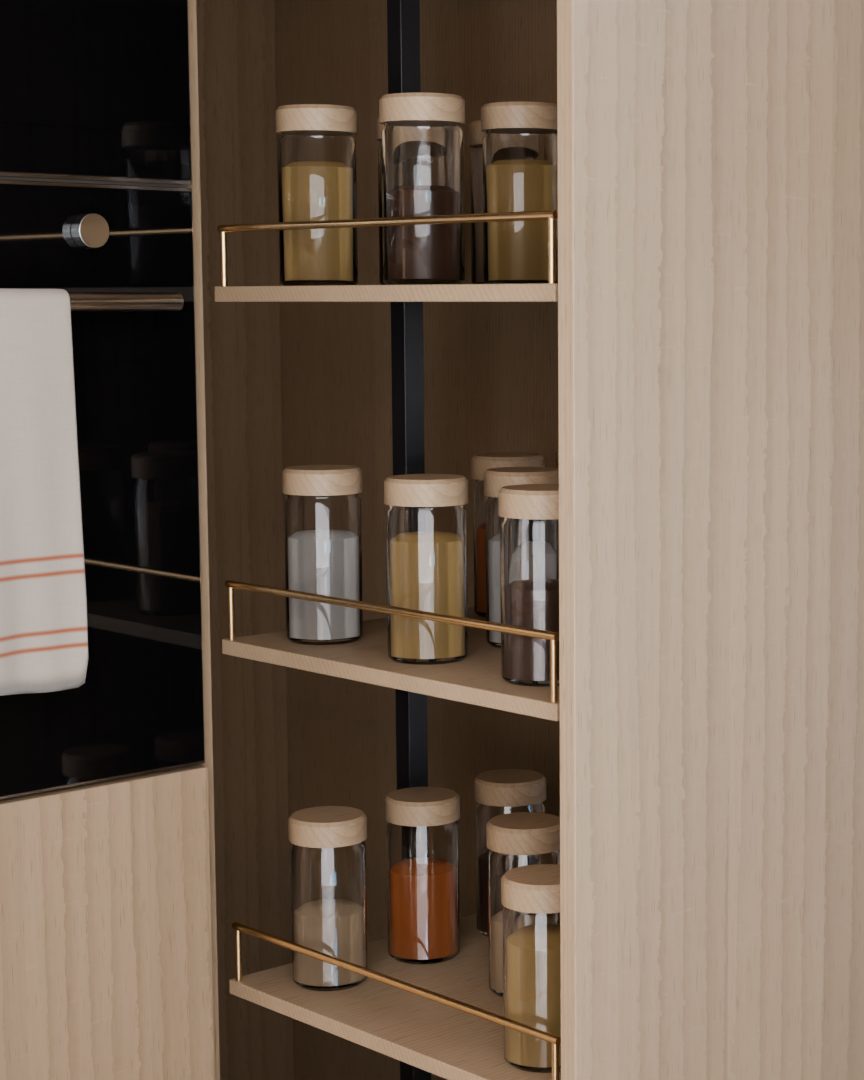
Render: the open spice drawer, with an oak insert and 36 glass jars lying down.Presentation render
The concept: the spice drawer in the island.

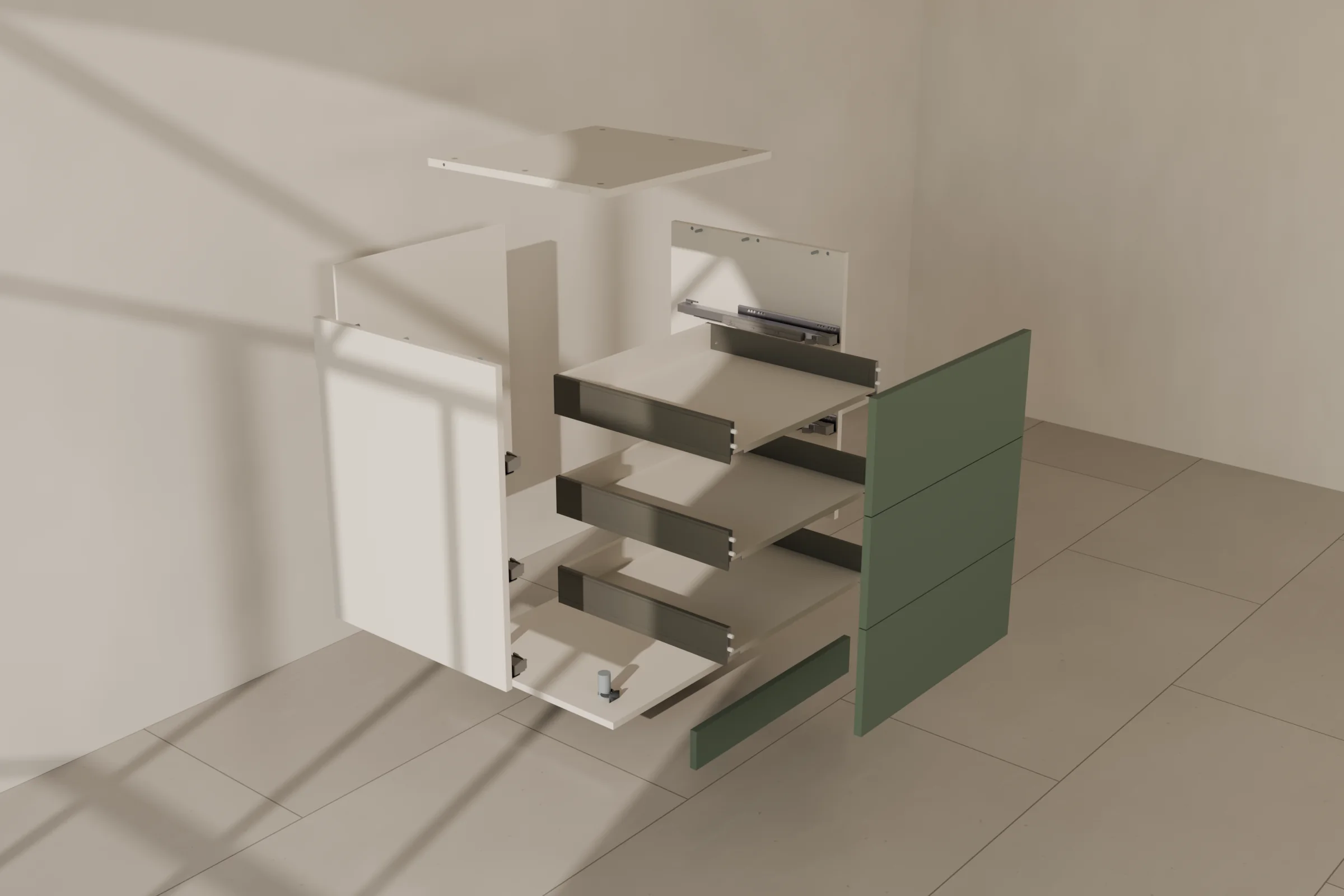
The same kind of module in Tezga: K2

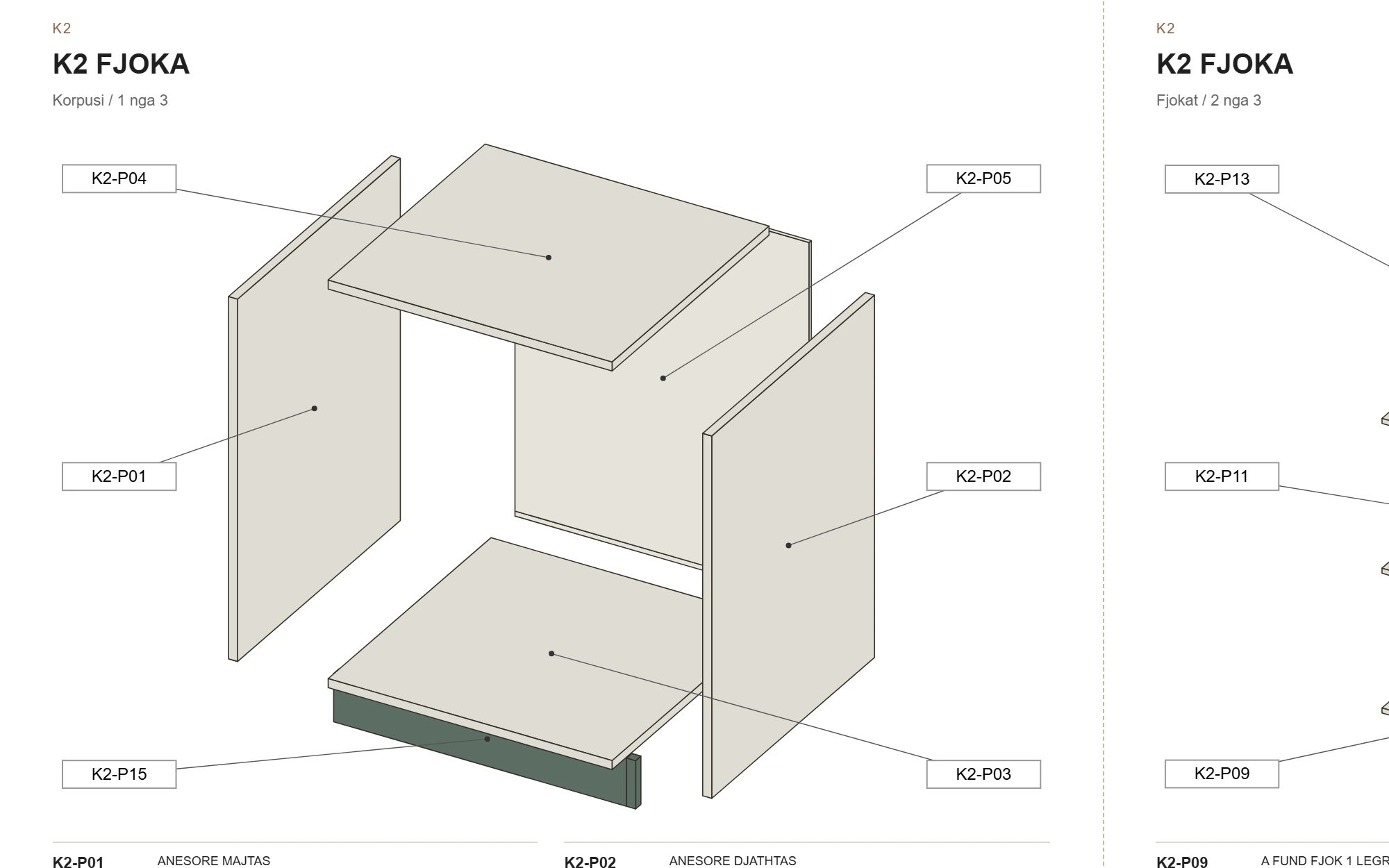
The K2 drawer unit taken apart into its 15 parts, coded K2‑P01 to K2‑P15: sides, top and bottom, back, the three LEGRABOX drawers and the plinth.Render of the real geometry
K2 with 3 LEGRABOX drawers, taken apart into its 15 coded parts. Geometry and codes are Tezga’s real export; the light and room are a render.
  1. 15 coded parts
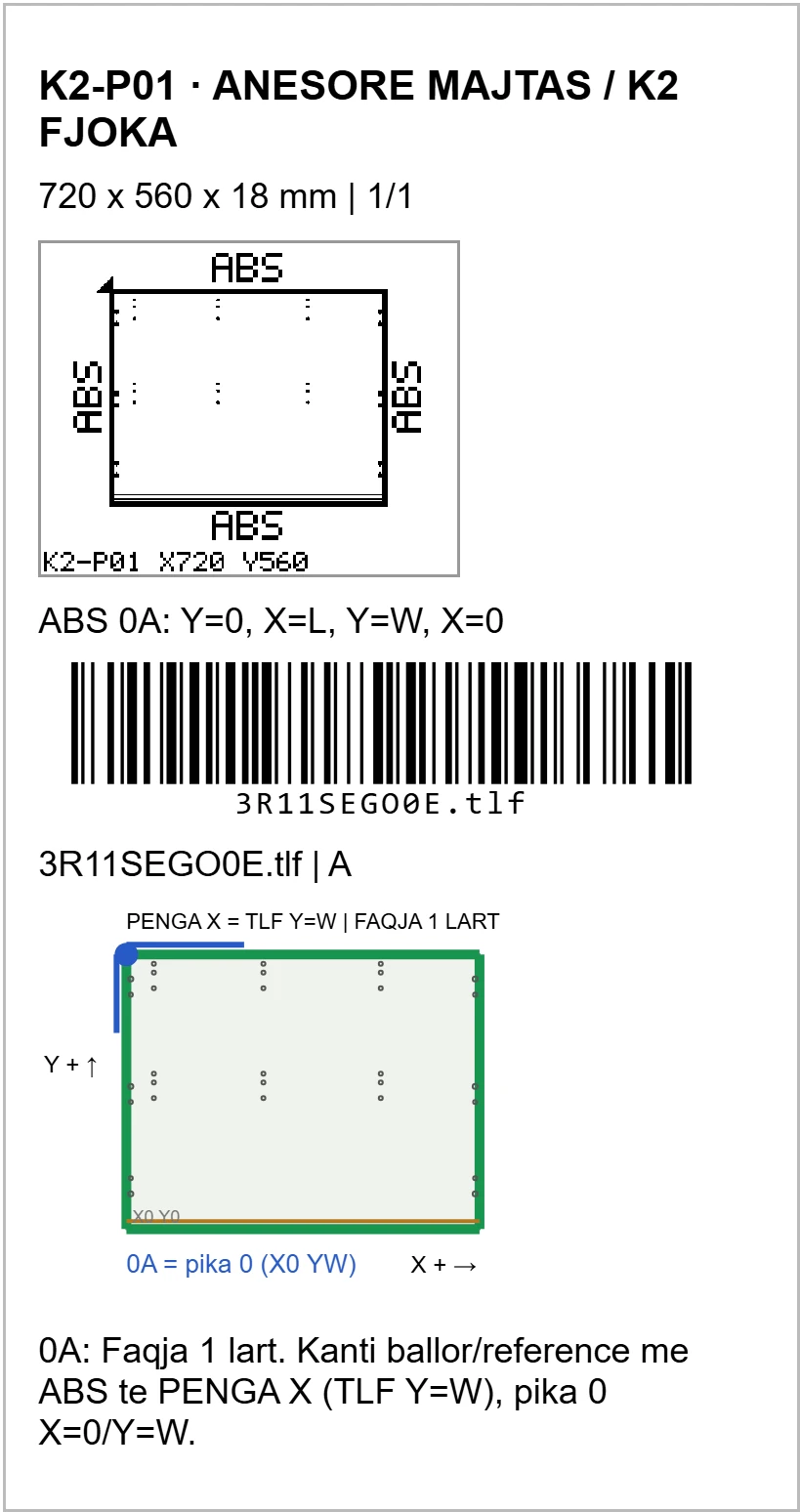
  2. Barcode label
  3. CNC program
  4. Assembly manual

How it works, step by step.

Real Tezga recordings, with the demo kitchen K1–K4. Enlarge a view to read it in full.

Design

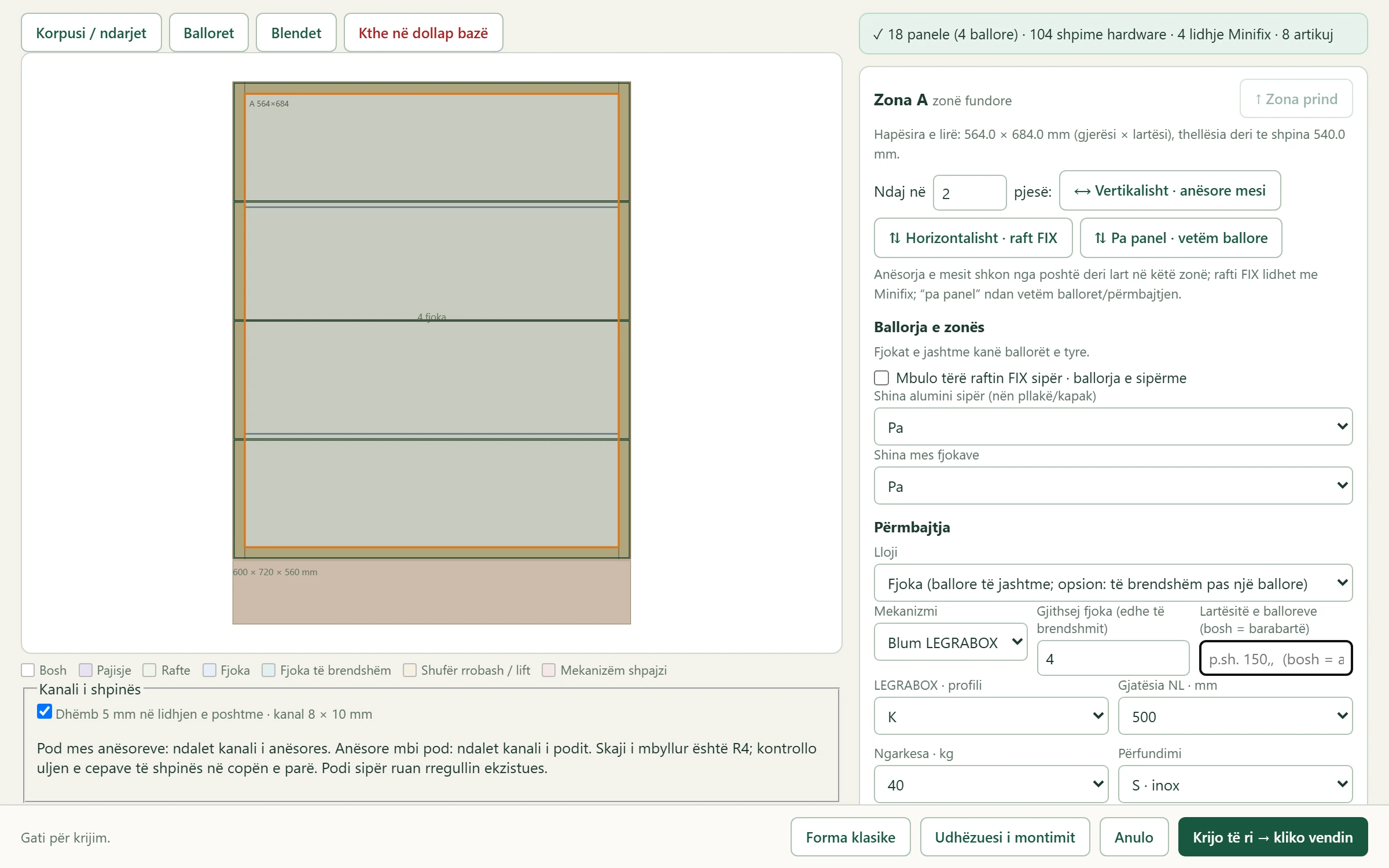
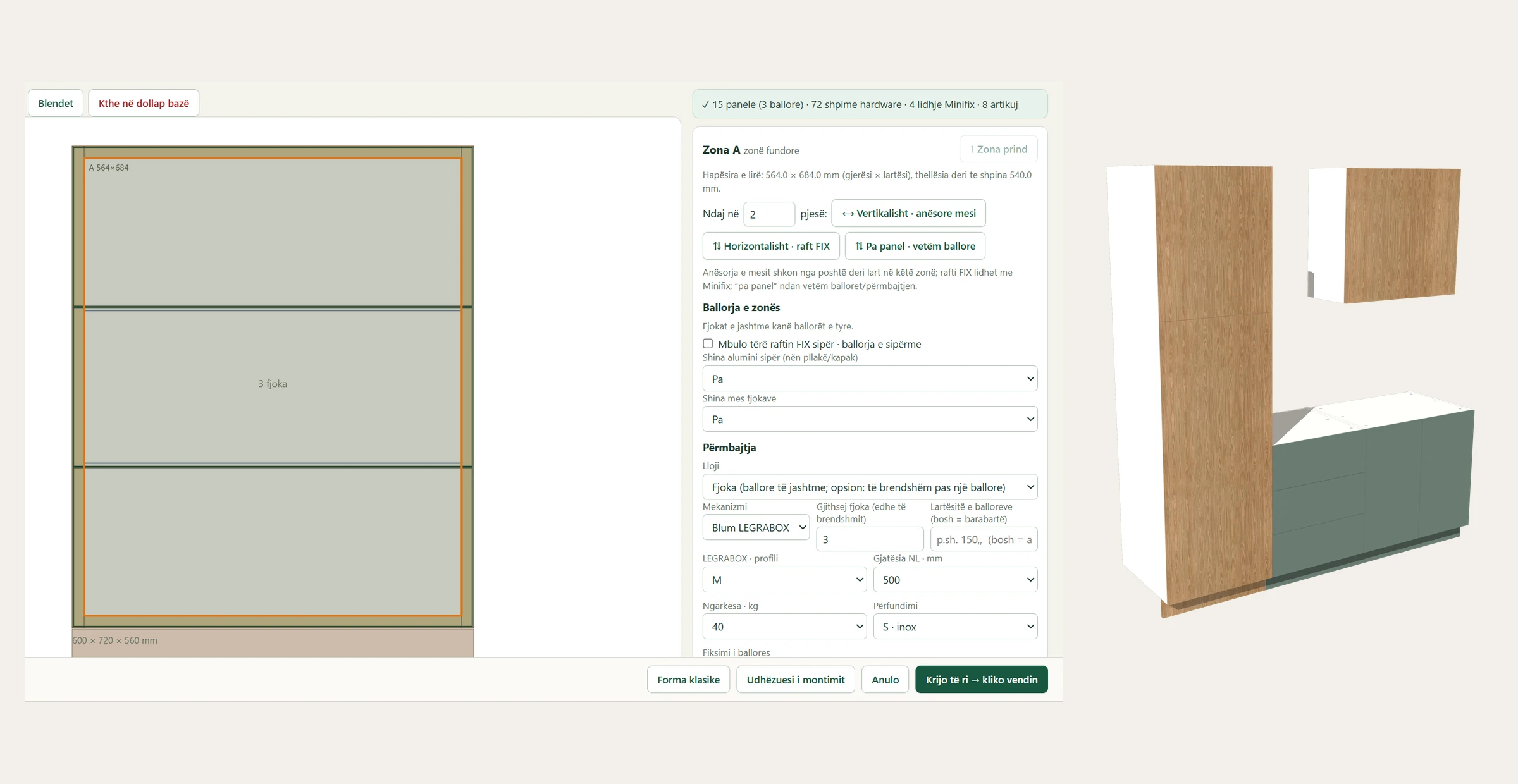
Change the cabinet in the D dialog; Tezga recalculates the panels, drilling and hardware.

From 3 to 4 drawers: 15 → 18 panels.

Real interface Drawers with Blum LEGRABOX, checked by Tezga. Enlarge view

Next step: Prepare

Prepare

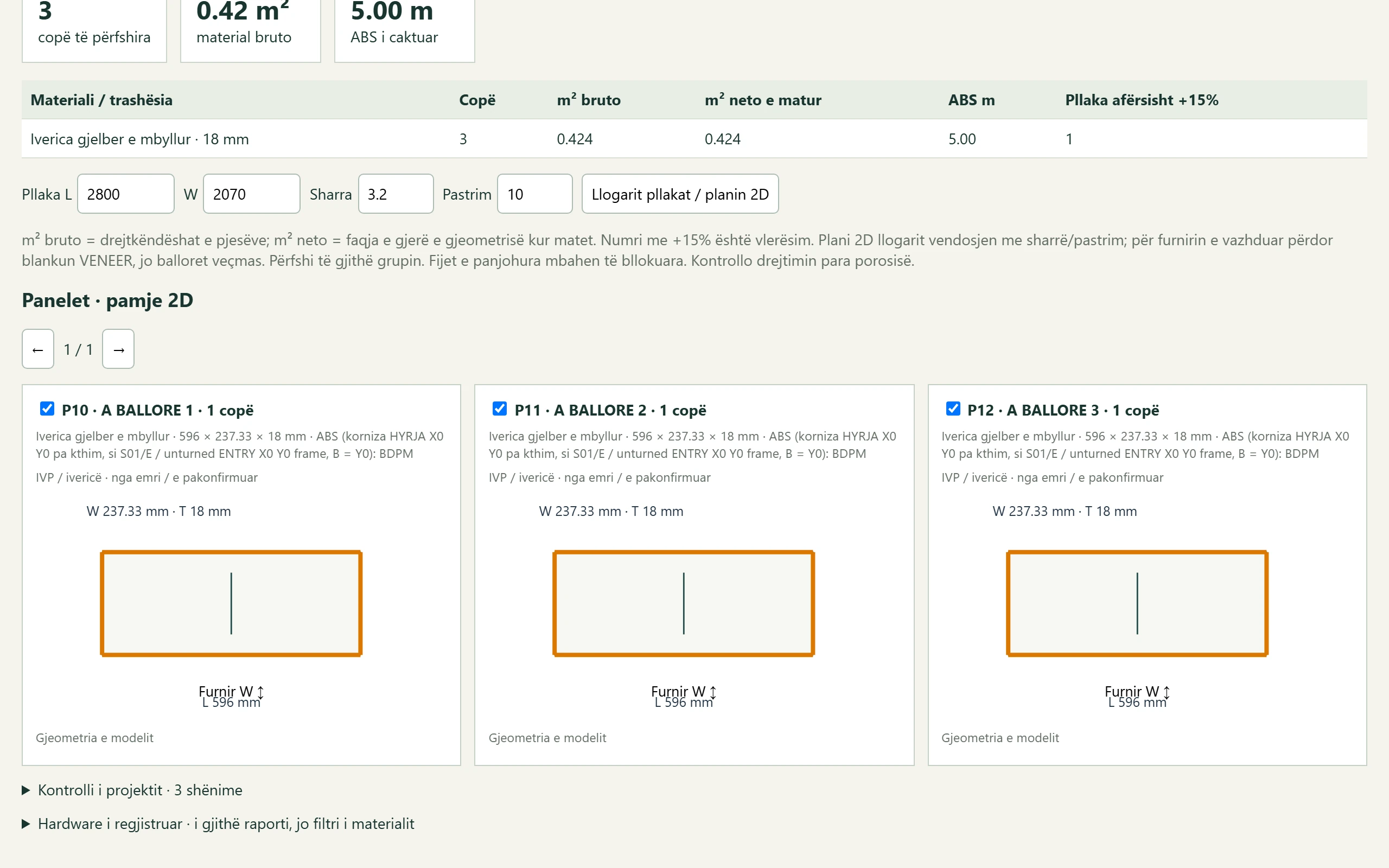
From the same model: the material list, barcode labels and CNC programs.

Demo kitchen: 46 parts, 46 labels, 50 CNC programs.

Real output Material, edging and 2D panels. Enlarge view

Next step: Assemble

Assemble

The manual uses the same codes as the labels: K2‑P01 is the same part everywhere.

Demo kitchen manual: 10 A3 pages.

Real output The assembly manual, with the same codes. Enlarge view

Tezga in 47 seconds

A presentation montage without sound: the kitchen is a render; the program shots are real Tezga recordings and output.

Montage: render and real Tezga
Film text
  1. The kitchen, a presentation render: the island, the island up close and the pull-out larder.
  2. 1 Design. Drawers with Blum LEGRABOX, hinges and decor, in the D dialog. Tezga’s real interface.
  3. 2 Prepare. Material, edging and 2D panels; a barcode label for every part. Real output of the demo example.
  4. The CNC program of part K2‑P01, drawn from the exported program.
  5. 3 Assemble. The assembly manual, with the same codes; assembled view and order of work. Real output of the demo example.
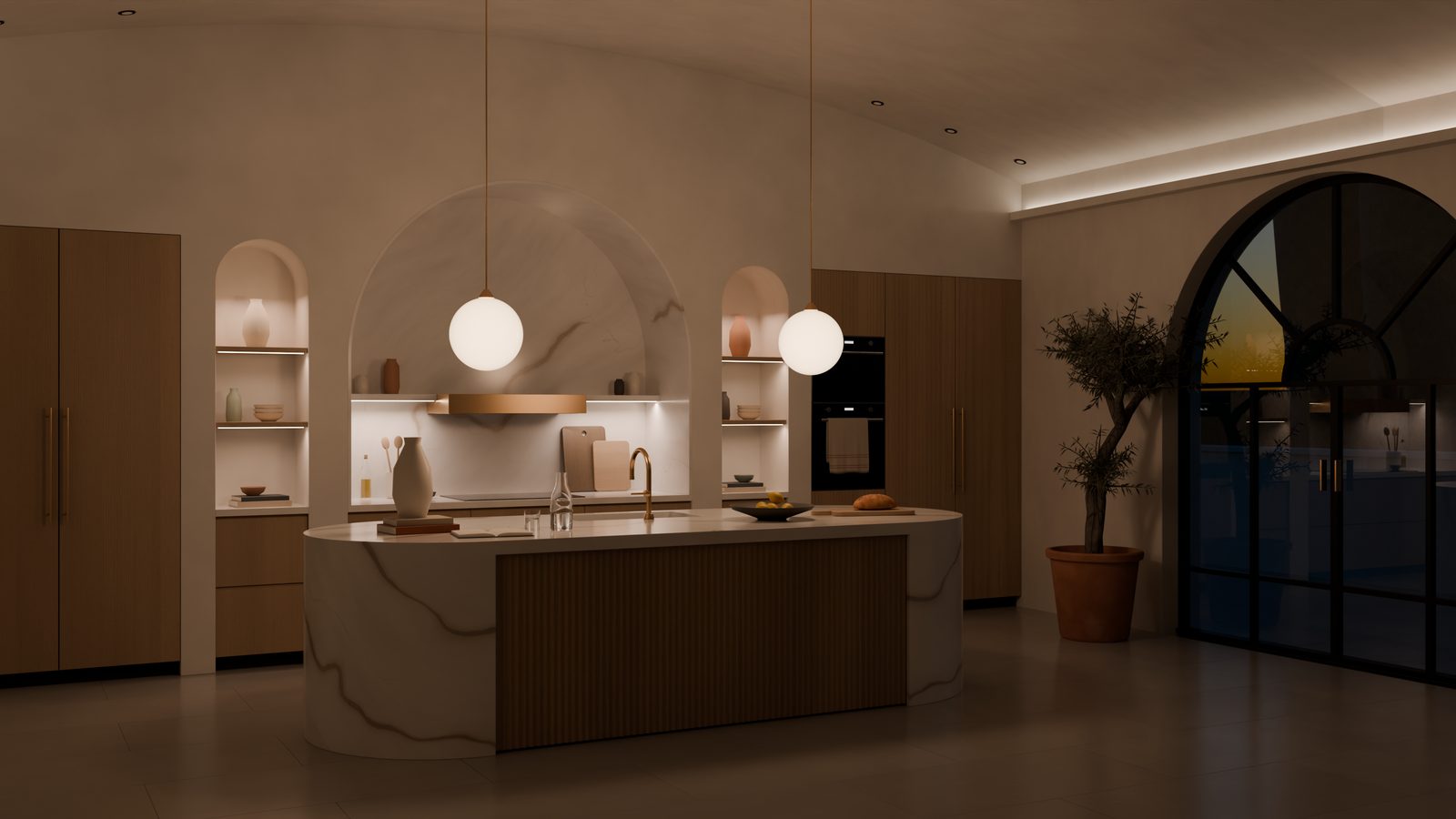
  6. The same kitchen in the evening, a presentation render. Design. Prepare. Assemble. Extension for SketchUp 2026 on Windows.
Presentation render of the same kitchen in the evening: the arch and pendant lights on, the olive tree beside the arched window.Presentation render

See Tezga at work.

TLF programs for Masterwood MasterAT, the S01 file and labels for the Panhans saw.

Proven in production Panhans saw and Masterwood CNC.

Follow us on Instagram @tezgasoftware